Encode Masked Media Latent
Encodes a source image plus a binary mask into an InpaintMaskArtifact — the input format that switches Generate Media Latents into inpainting mode.
Category: ModularDiffusion/Encode\Decode
TL;DR
- Use for inpainting. The resulting artifact carries the mask + masked-image latent + strength together so downstream nodes don't need separate inputs.
- Connect the
latentsoutput to a Generate Media Latents node'sinput_latent. The Generate node detects the artifact type and routes through the inpaint pipeline automatically. - Only works with pipelines that have a registered inpaint pipeline class (e.g. Flux Fill, SDXL Inpaint).
Typical workflow position
Load Image ──┐
             ├─→ [Encode Masked Media Latent] → Generate Media Latents → Decode
Paint Mask ──┘
Node preview
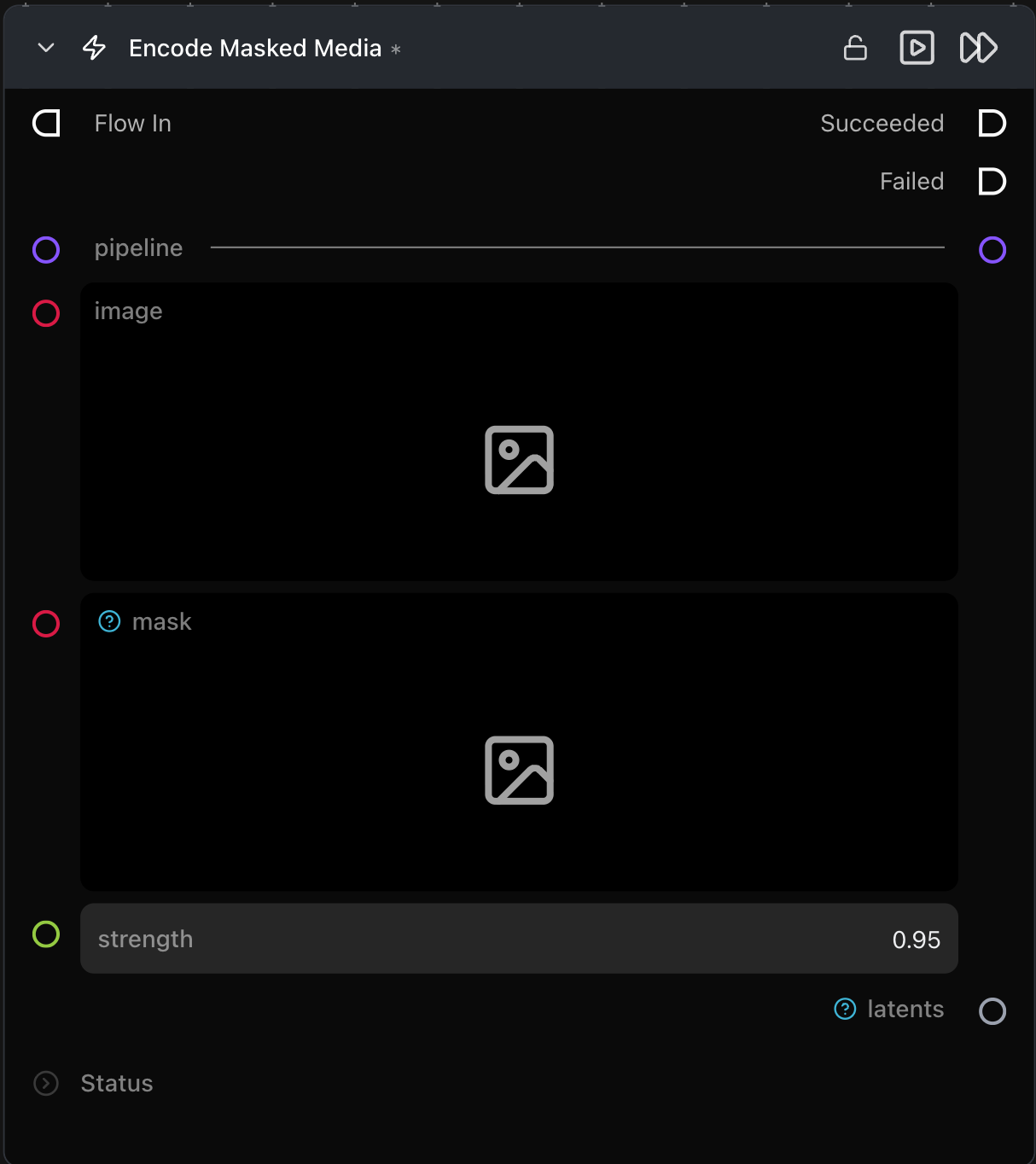
Inputs
| Name | Type | Required | Notes |
|---|---|---|---|
pipeline |
Pipeline Config |
Yes | Must support inpainting (driver has _inpaint_pipeline_class). |
image |
ImageArtifact / ImageUrlArtifact |
Yes | Source image. |
mask |
ImageArtifact / ImageUrlArtifact |
Yes | Binary mask — white pixels = inpaint region, black = keep original. |
strength |
float (0.0–1.0) | No | Inpaint denoising strength, default 1.0. Lower values preserve more of the original. |
Outputs
| Name | Type | Notes |
|---|---|---|
latents |
InpaintMaskArtifact |
Bundle of mask + source/masked-image latents + strength. |
Tips & pitfalls
- Pipeline must support inpainting. If the chosen pipeline has no inpaint variant the node errors on validation. Pick e.g. Flux Fill on the Pipeline Builder.
- Mask must match the source image's dimensions (it's resampled to the latent grid internally — a wildly mismatched aspect ratio will distort).
strengthlives on the artifact, not on Generate Media Latents. Adjust it here.
See also
- Encode Media Latent — non-masked variant.
- Generate Media Latents — automatically detects the inpaint artifact.